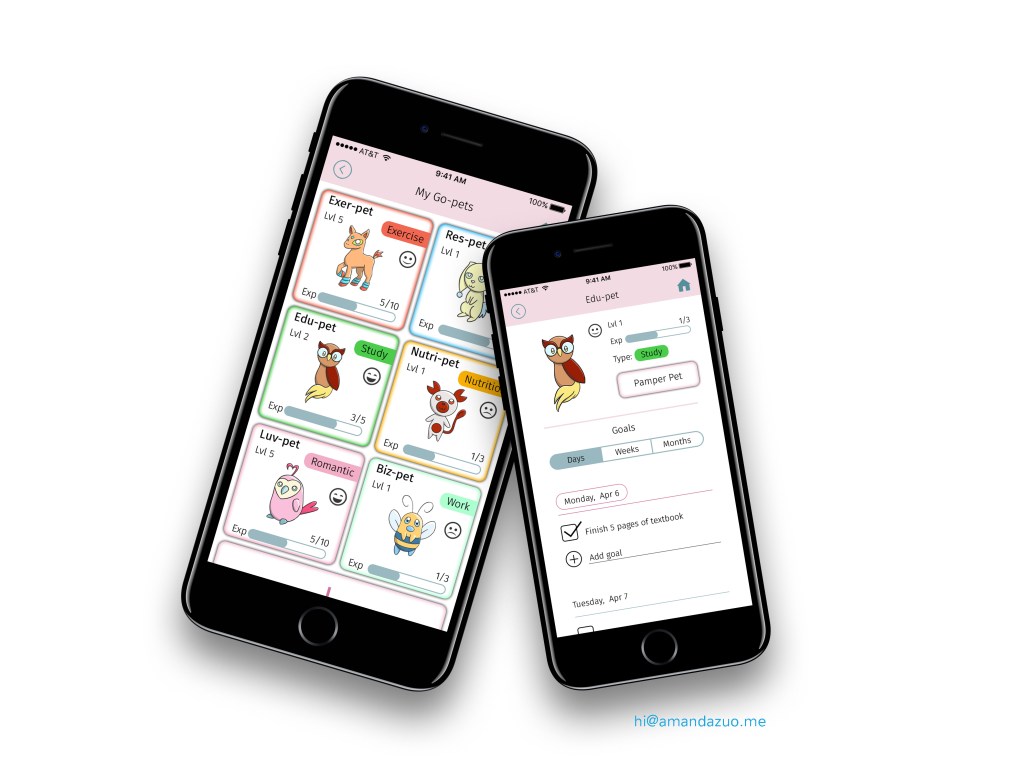
Productivity app that reframes goal completion as an act of care – using original creature design to create emotional stakes around habits and personal growth
Jump to:
Project info / Concept and Inspiration / Go-pet Character Designs / Mobile Game / Prototype
Role:
UX, UI, Visual Design, Art
Tools Used:
Adobe Photoshop, Figma
Project
Goals can be challenging to achieve because the fulfillment of tasks feels like obligation, especially when lacking the feeling of reward. But what if completing a goal had emotional stakes involved – like the feeling of raising something alive?
My goal: Invent a solution to a real human motivation problem that would help people complete their goals successfully.
Concept and Inspiration
My idea was a task management mobile application in the form of a pet simulator game – a creature design system that has different creatures represent different types of goals by way of their visual and logical concepts.
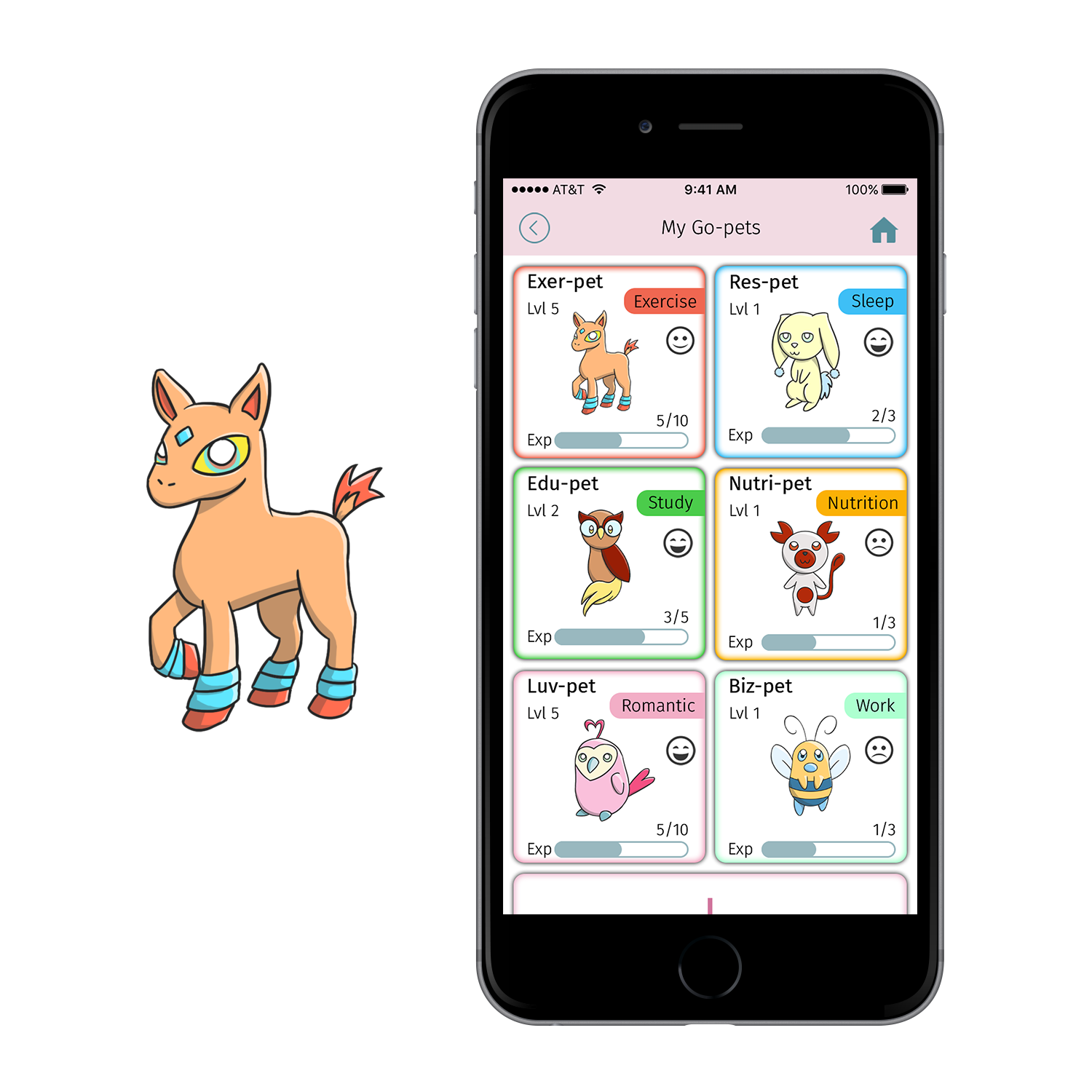
My creature concepts and application’s user Interface was largely based on the game Pokemon, where the user owns multiple creatures with different characteristics, including its “Type” such as Water, Ice, Ghost, Dragon, etc, which are color-coded. Visually, my game’s interface would show the user’s list of pets in a grid format, with a “fun,” multi-colored palette, like in Pokemon and virtual pet simulator games.
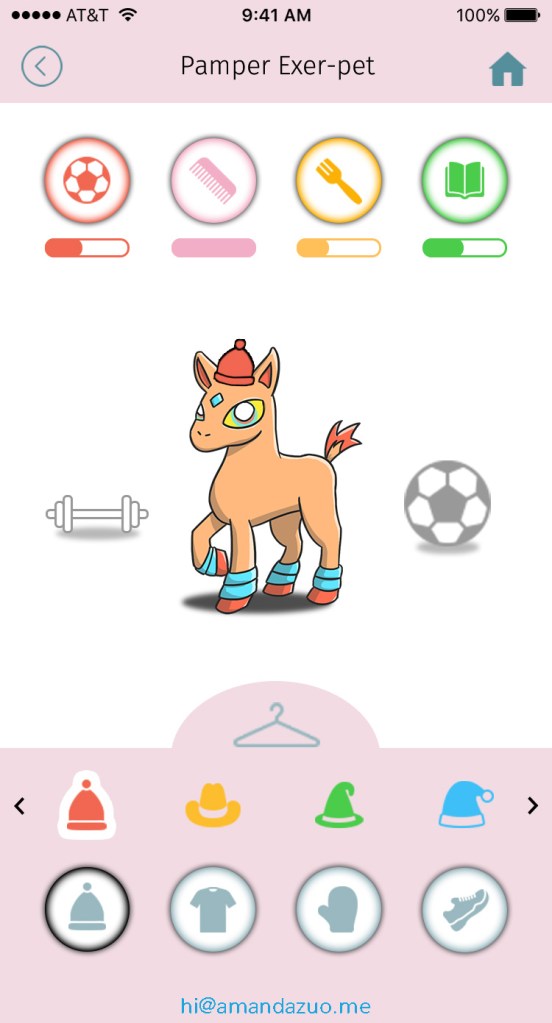
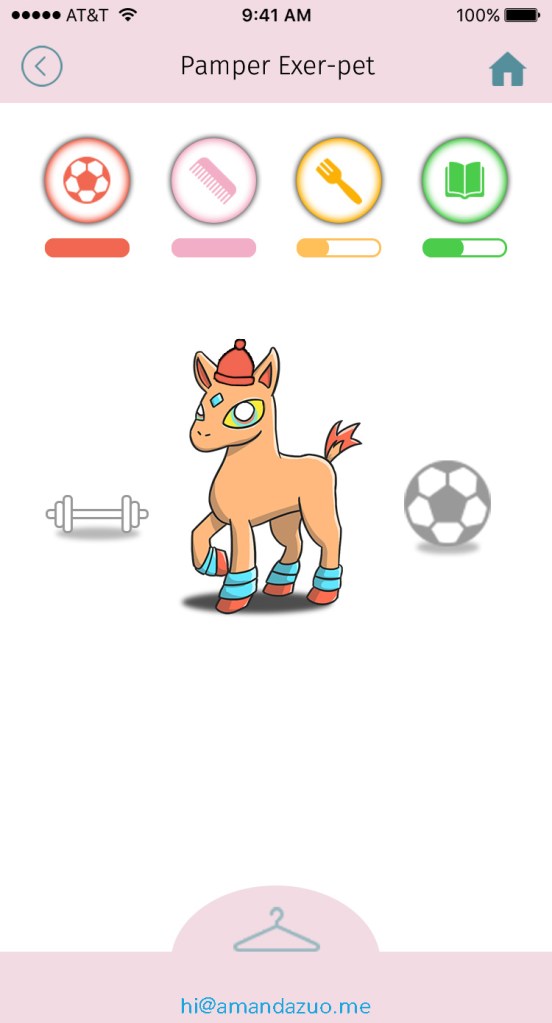
In my game, the user can have multiple virtual “Go-pets” (name derived from Goal + Pets). The user would record their goals’ progress and be rewarded by their Go-pet gaining “Experience,” of which, when it gains enough, the Go-pet would gain a level. As the Go-pet gains more levels, the user would be able to unlock extra activities as a form of reward, such as feeding, grooming, playing, and reading with their Go-pet, which would contribute to the Go-pet’s mood as shown in the gameplay.
Go-pet Creature Designs
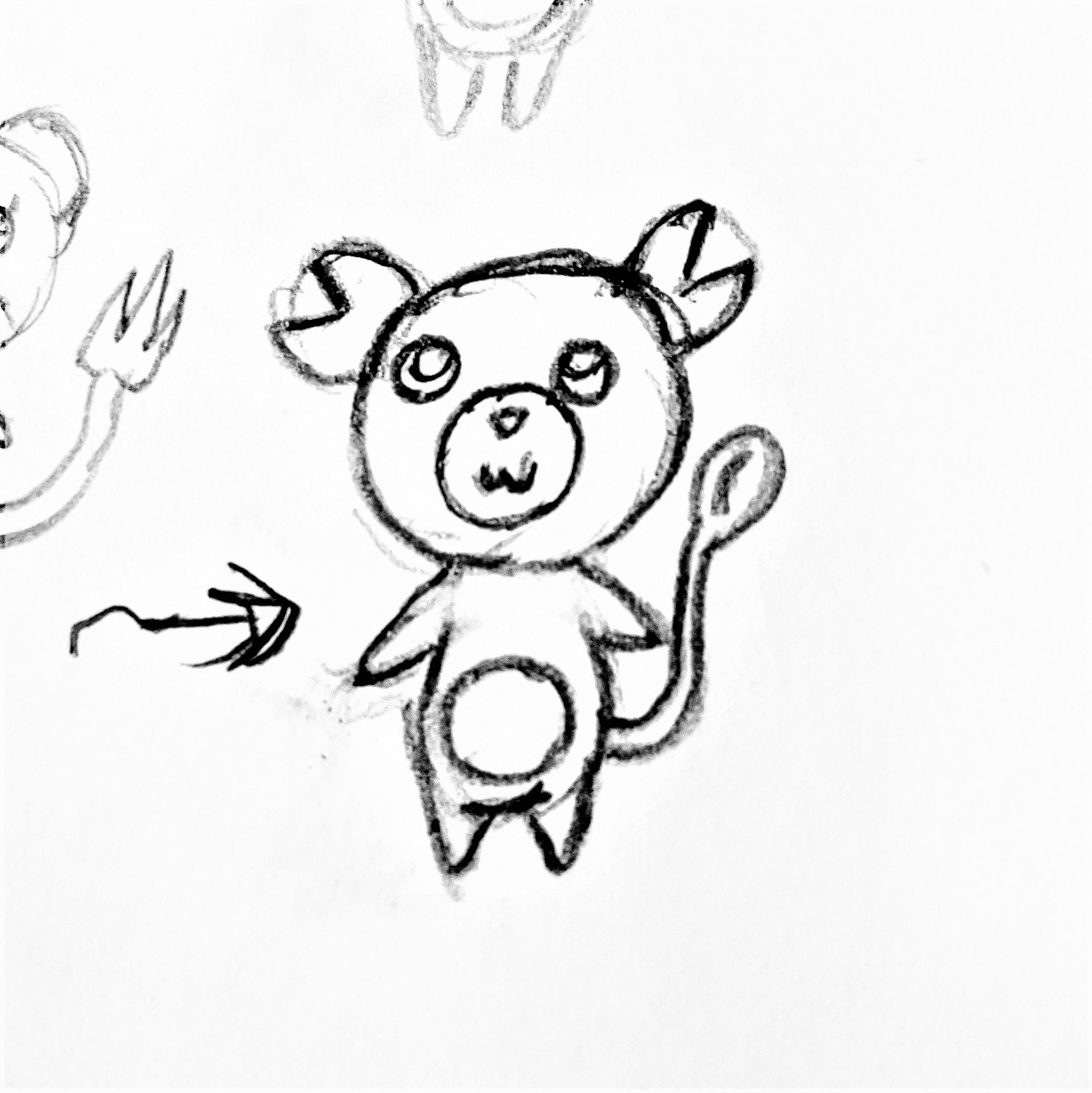
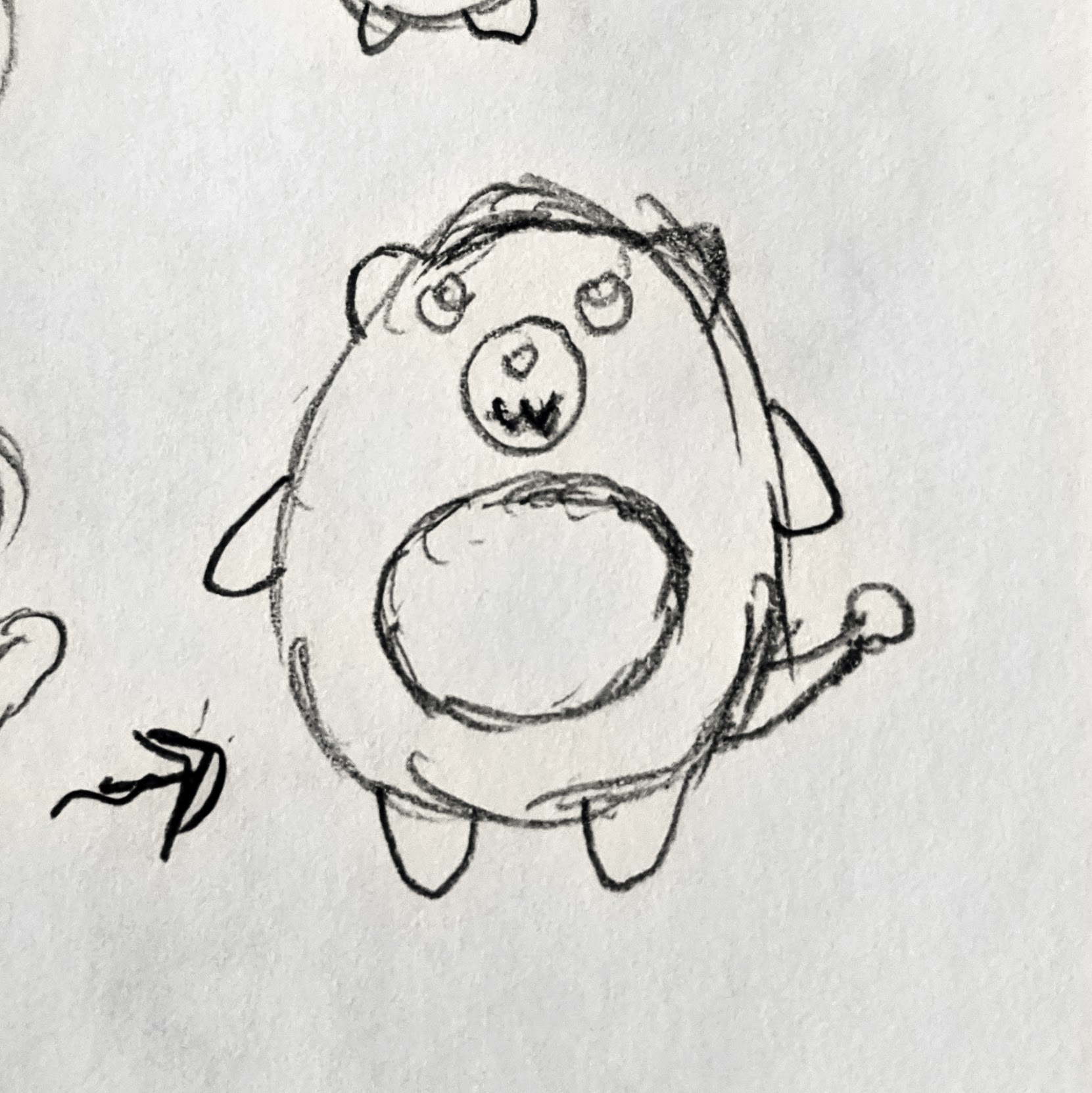
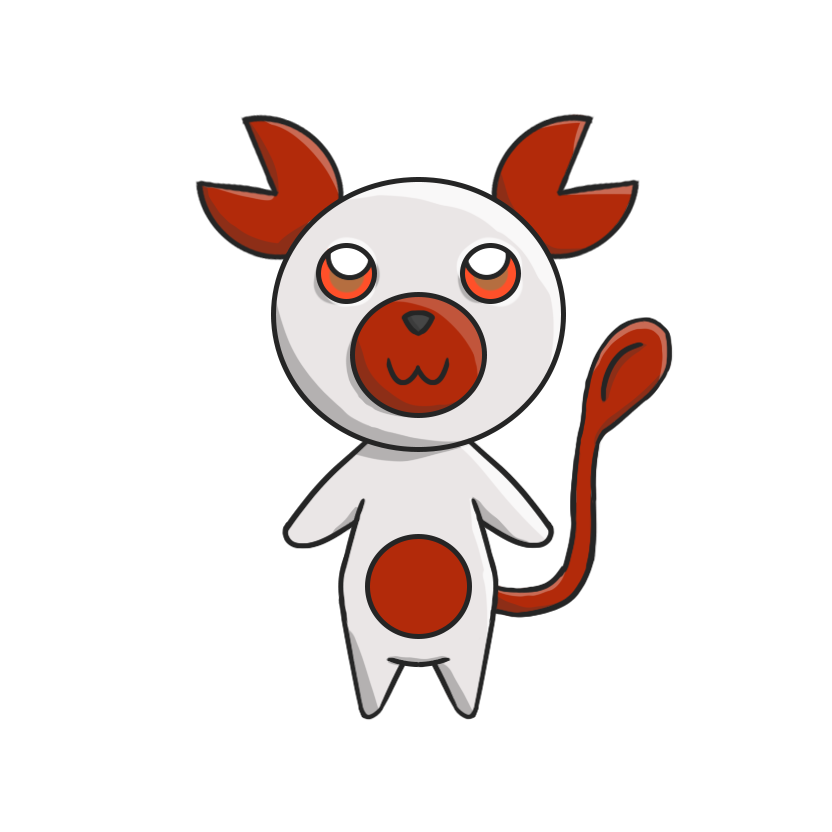
I designed the different Go-pets based on the type of goal they represent after researching different animals that would be the foundations of their designs.
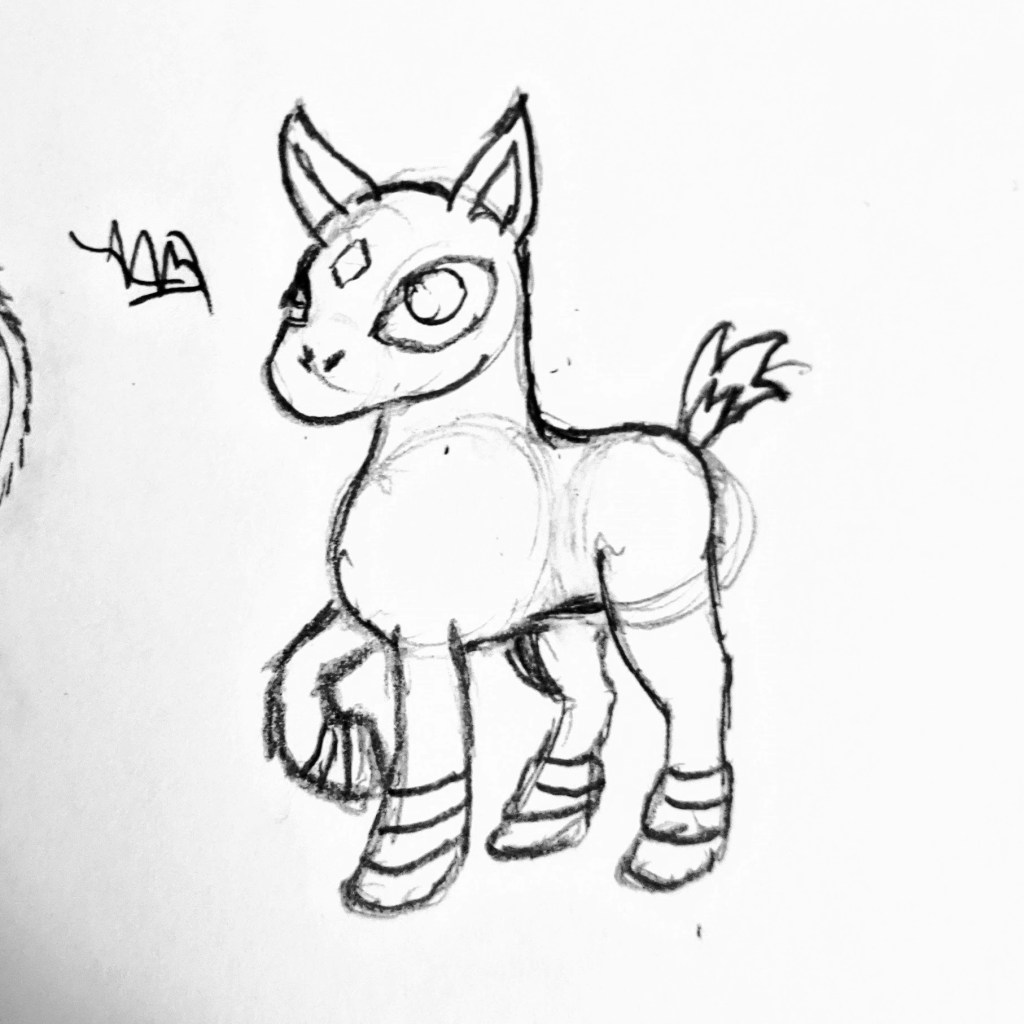
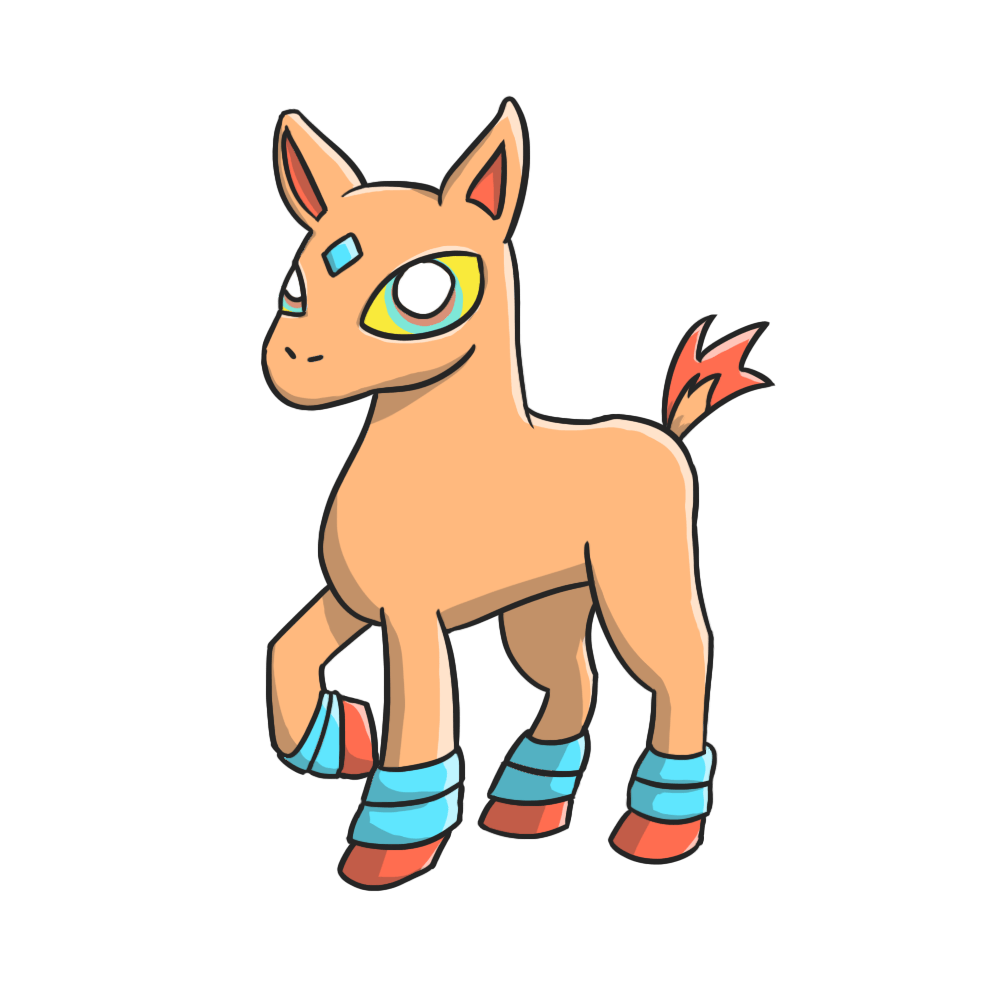
Exer-pet
Goal type: Exercise
Design foundation: Horse
A horse is naturally strong, with its muscles and skeleton designed for powerful movement and activities like pulling heavy loads and running fast.
Res-pet
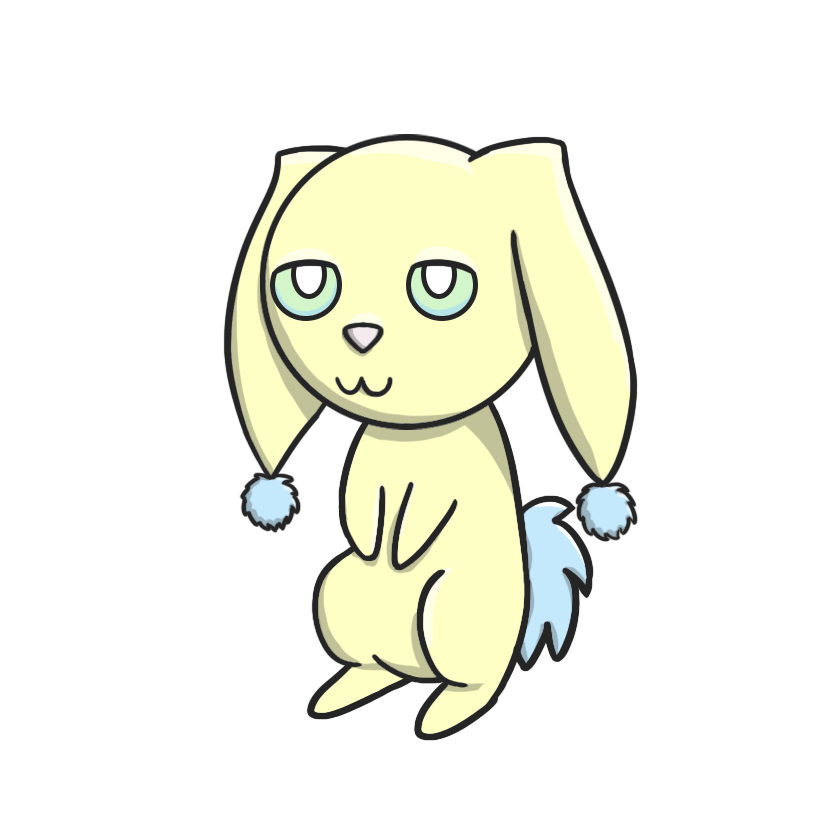
Goal type: Rest/Sleep
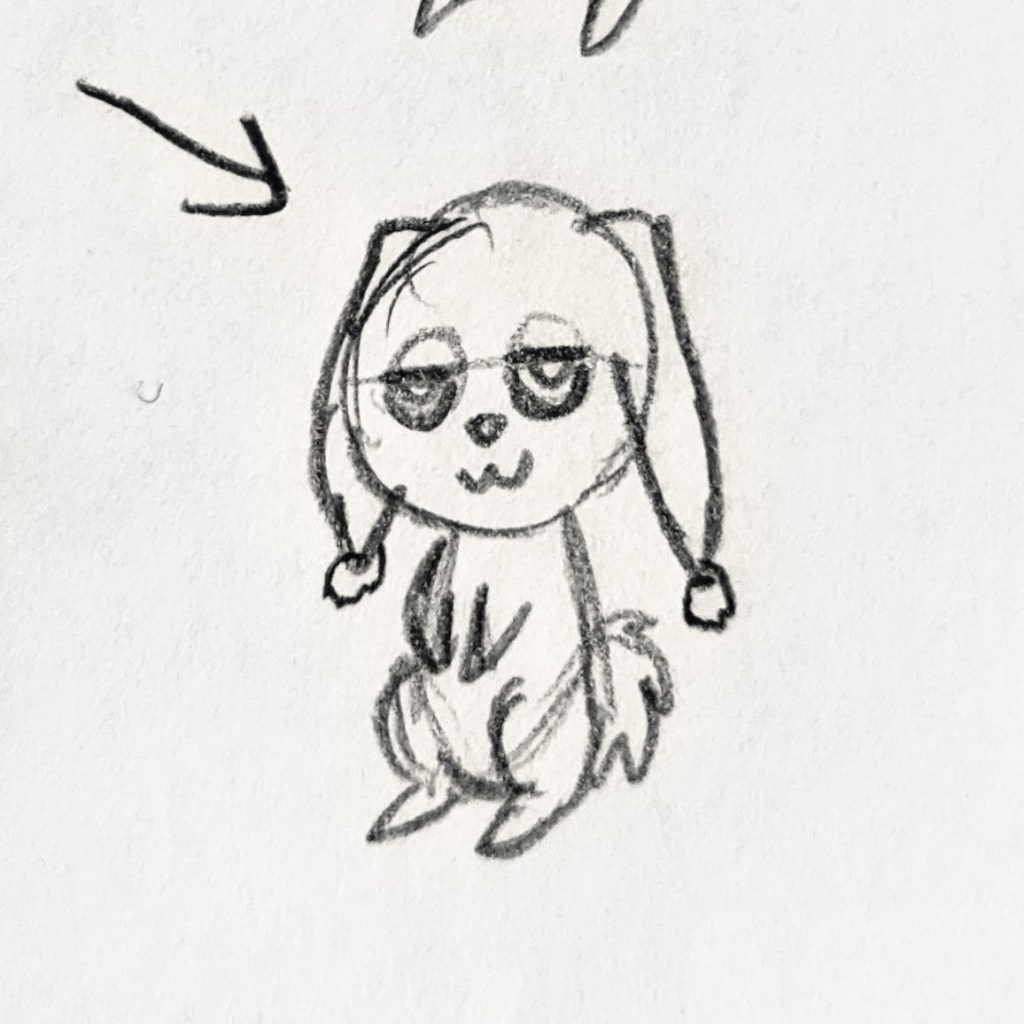
Design foundation: Rabbit
A rabbit is a generally quiet animal that needs its own space to rest and keep to themselves.
Luv-pet
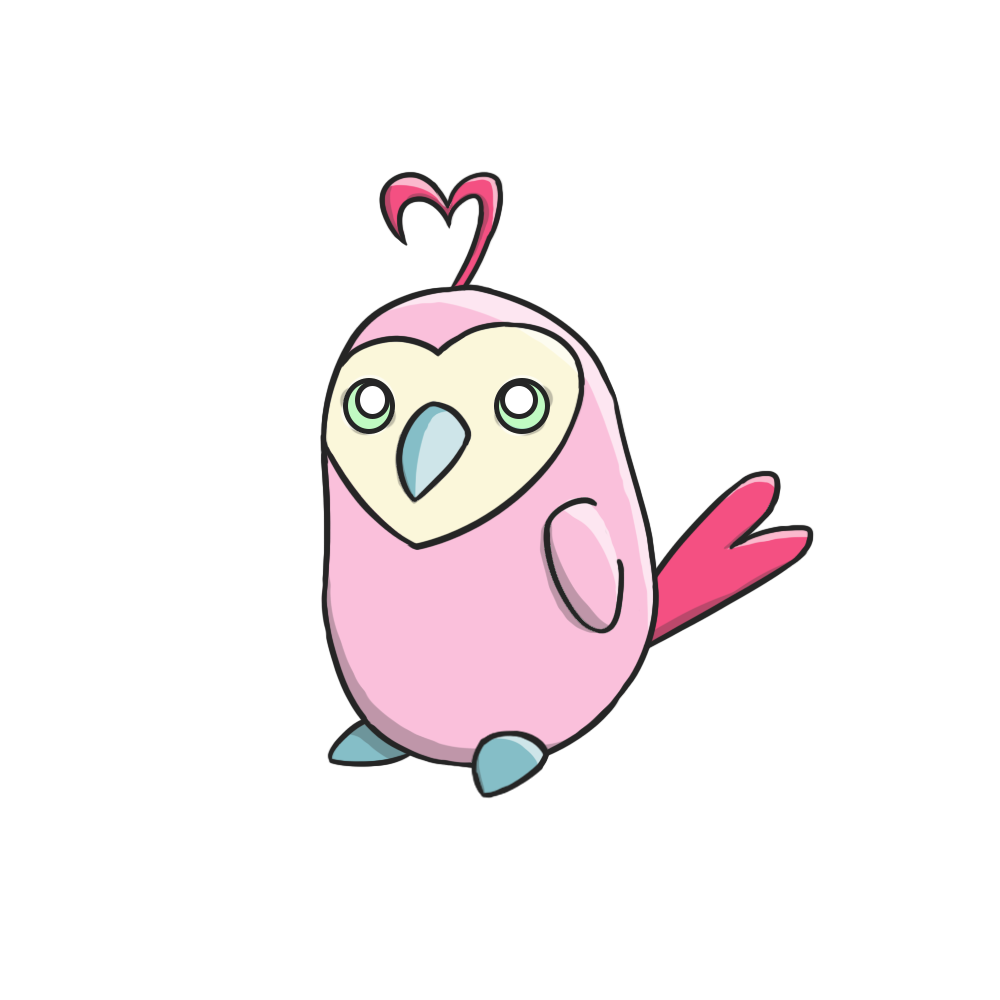
Goal type: Relationships/Social
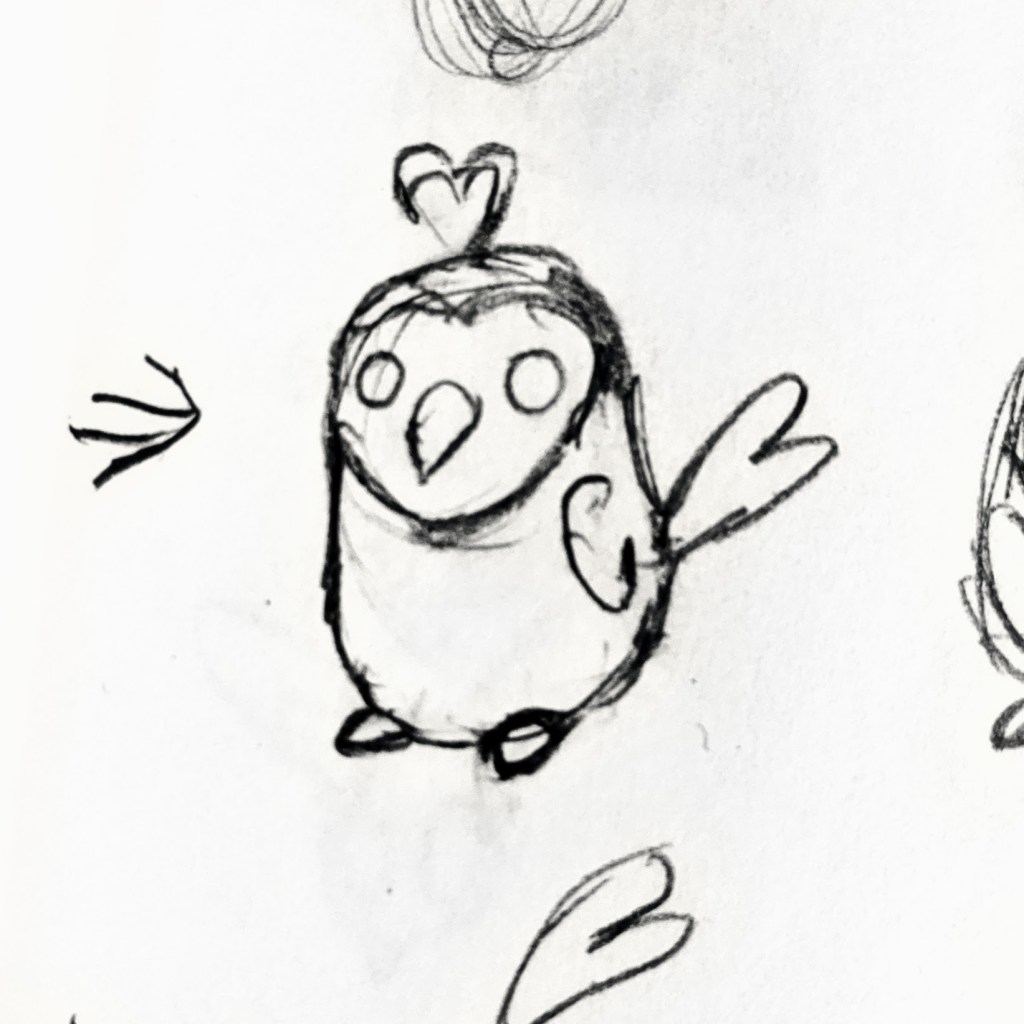
Design foundation: Lovebird
Lovebirds form loving, attentive, lifelong bonds with its chosen mate, and constantly show affection while staying close together.
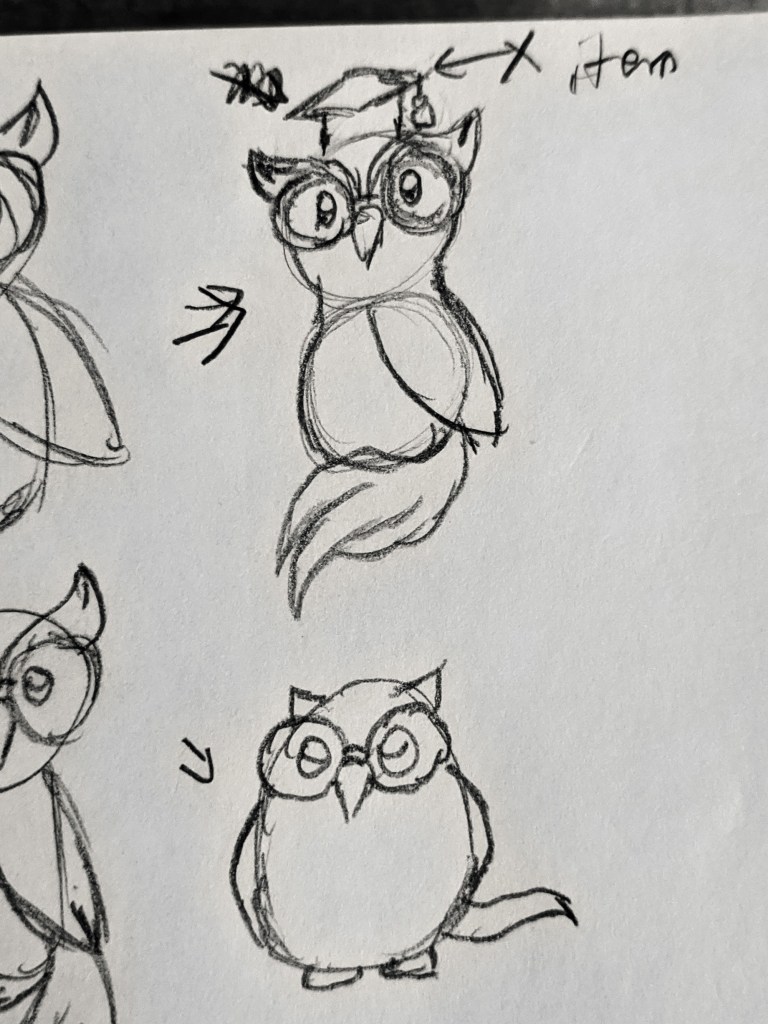
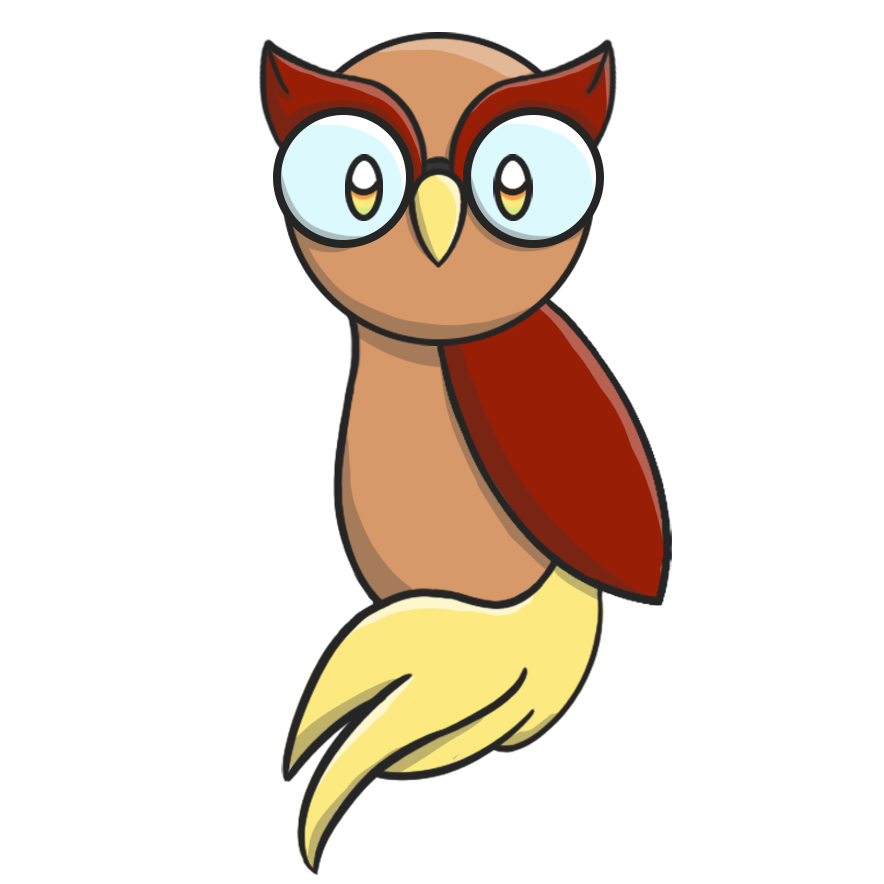
Edu-pet
Goal type: Education
Design foundation: Owl
An owl’s facial appearance resembles that of a bespectacled scholar, and its calm, thoughtful-looking demeanor is reminiscent of intelligence, making it appropriate for visual design purposes.
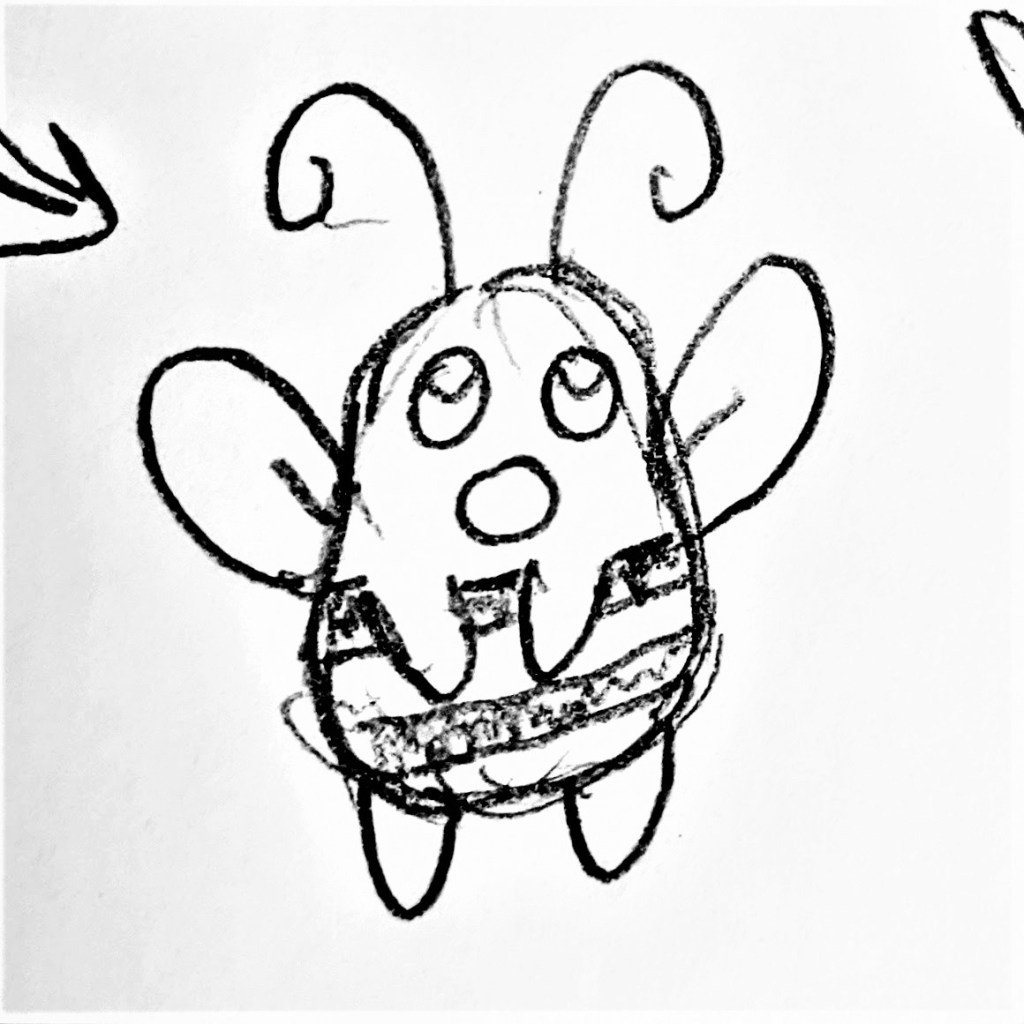
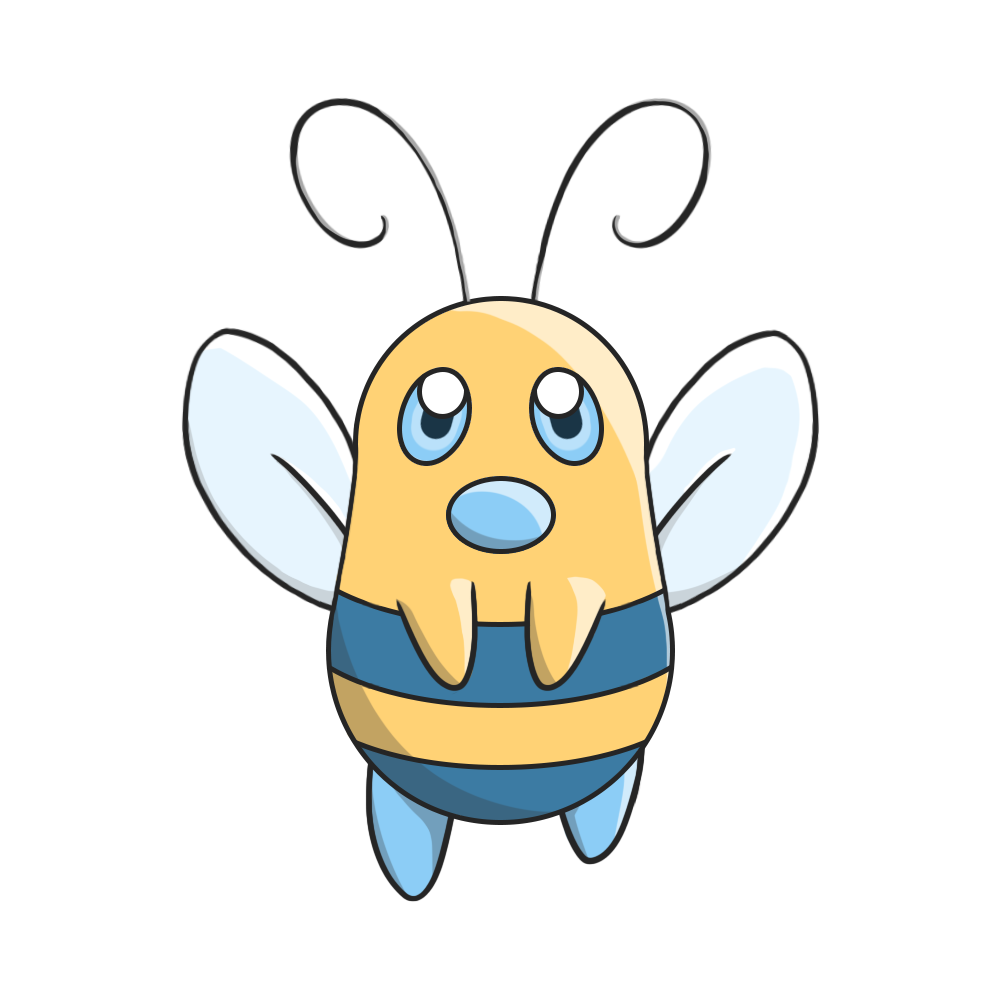
Biz-pet
Goal type: Work/Career
Design foundation: Bee
Bees are some of the hardest-working creatures in nature, spending their whole lives doing tasks all day to support their colony, hence the expression “busy as a bee.”
Nutri-pet
Goal type: Nutrition
Design foundation: Panda
Pandas eat a huge amount of food daily (up to 90 pounds / 41 kilograms) to get enough energy, and they spend 10 to 16 hours a day eating.
Mobile Game
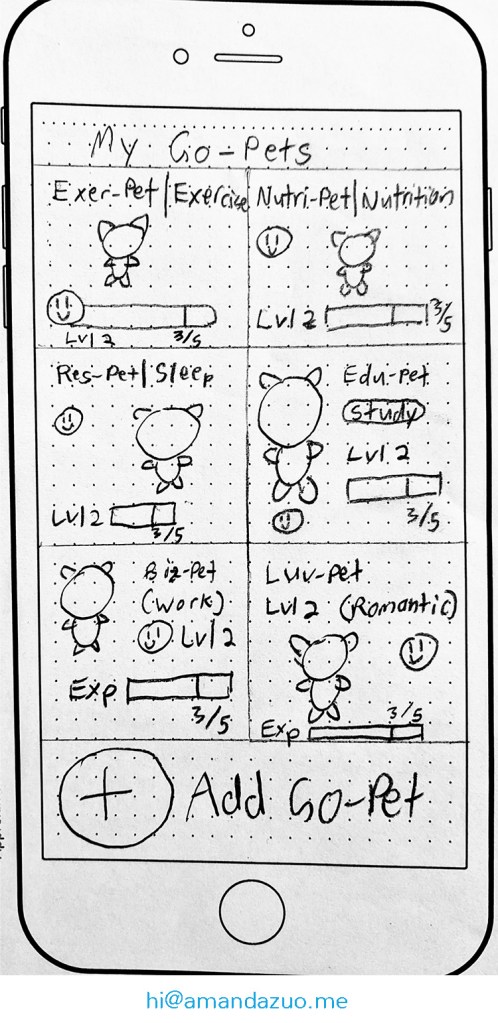
Game Task Flow

Home screen
- Shows all the user’s existing Go-pets
- Color-coded by type of goal

User Flows
Add a new Go-pet
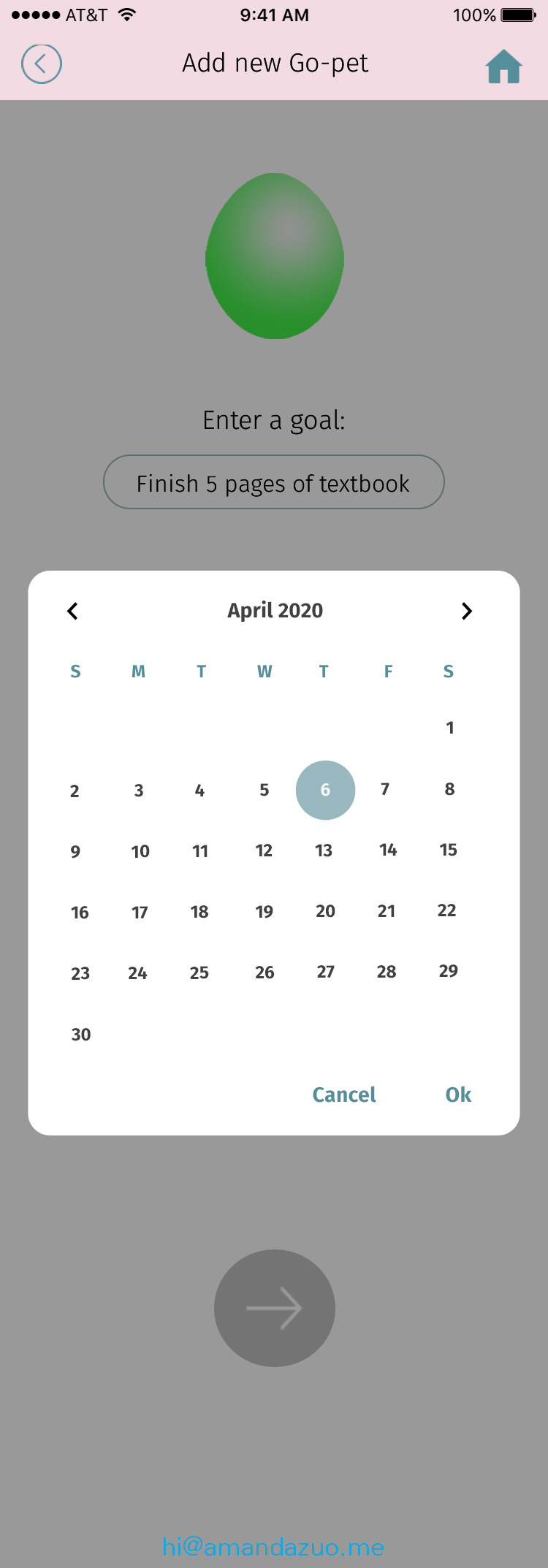
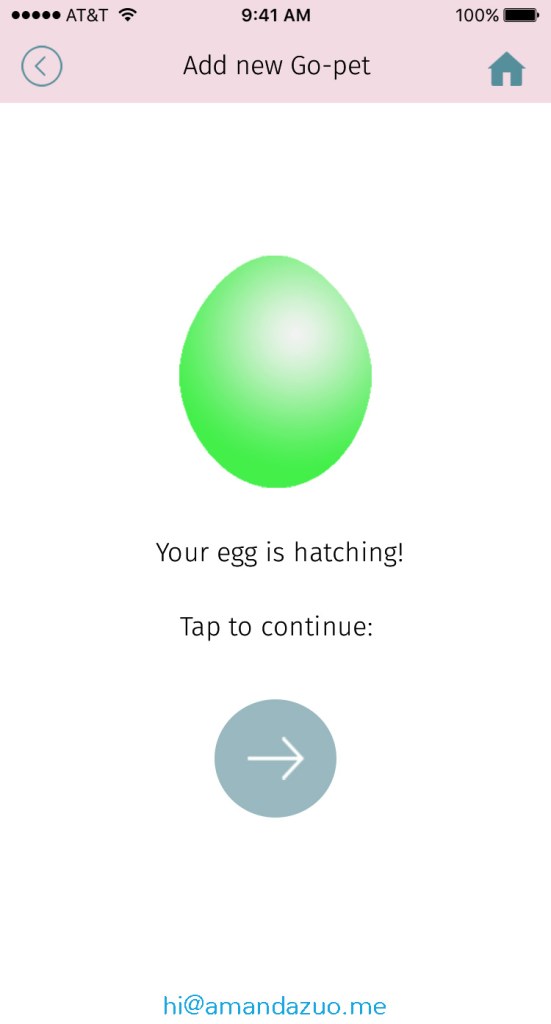
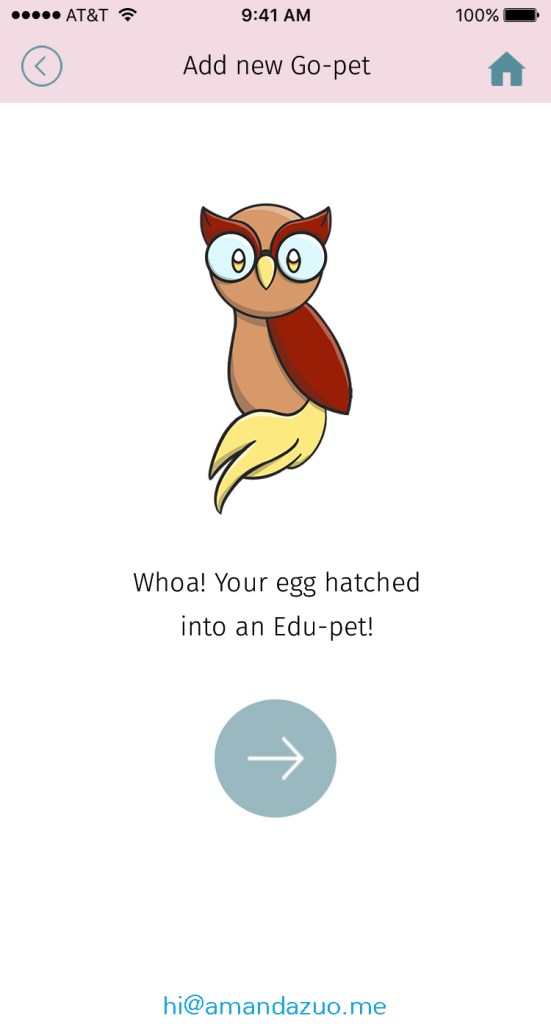
With these steps, the user adds a new goal to achieve. Each step is designed to engage the user.
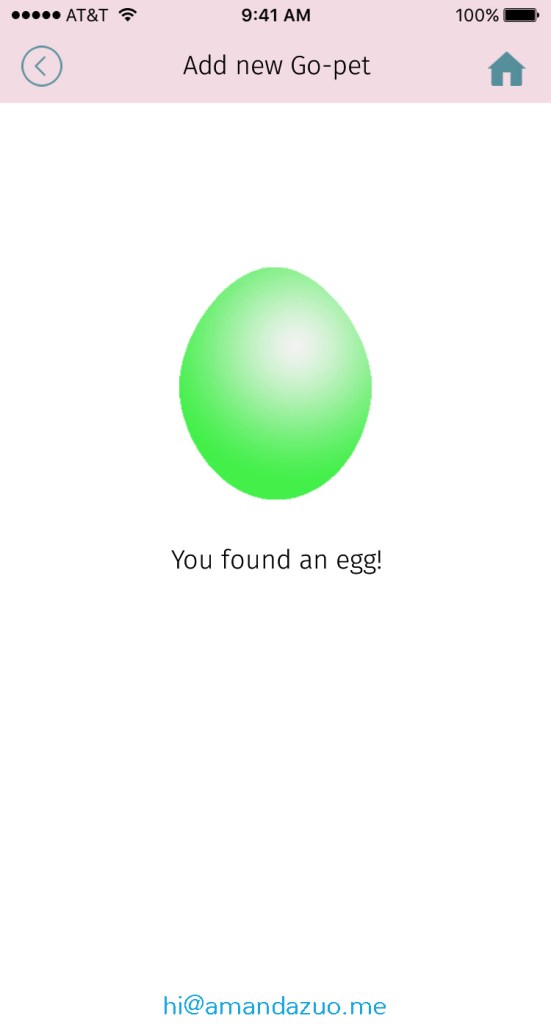
The user enters his or her goal that their Go-pet would represent.


In a prototype, the hatching of the egg would be an animation to further engage the user.


Add new goal type
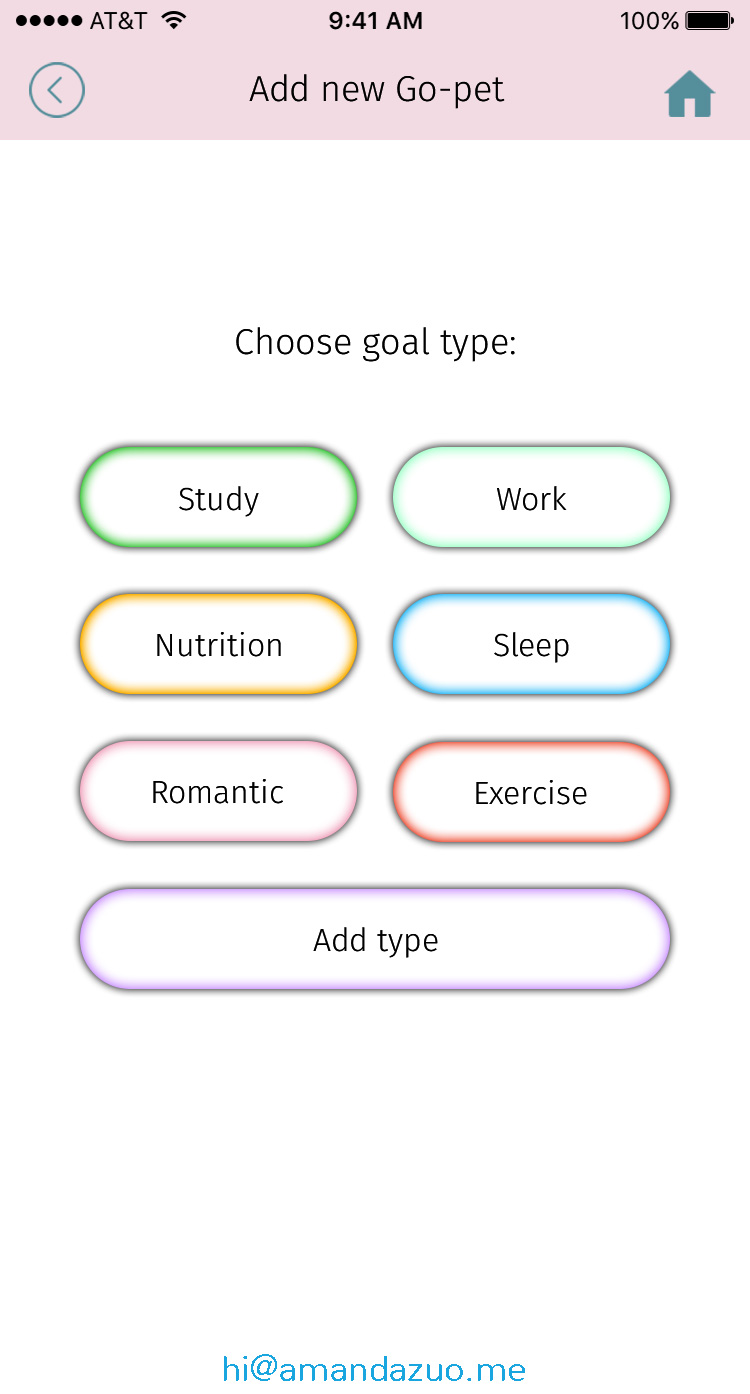
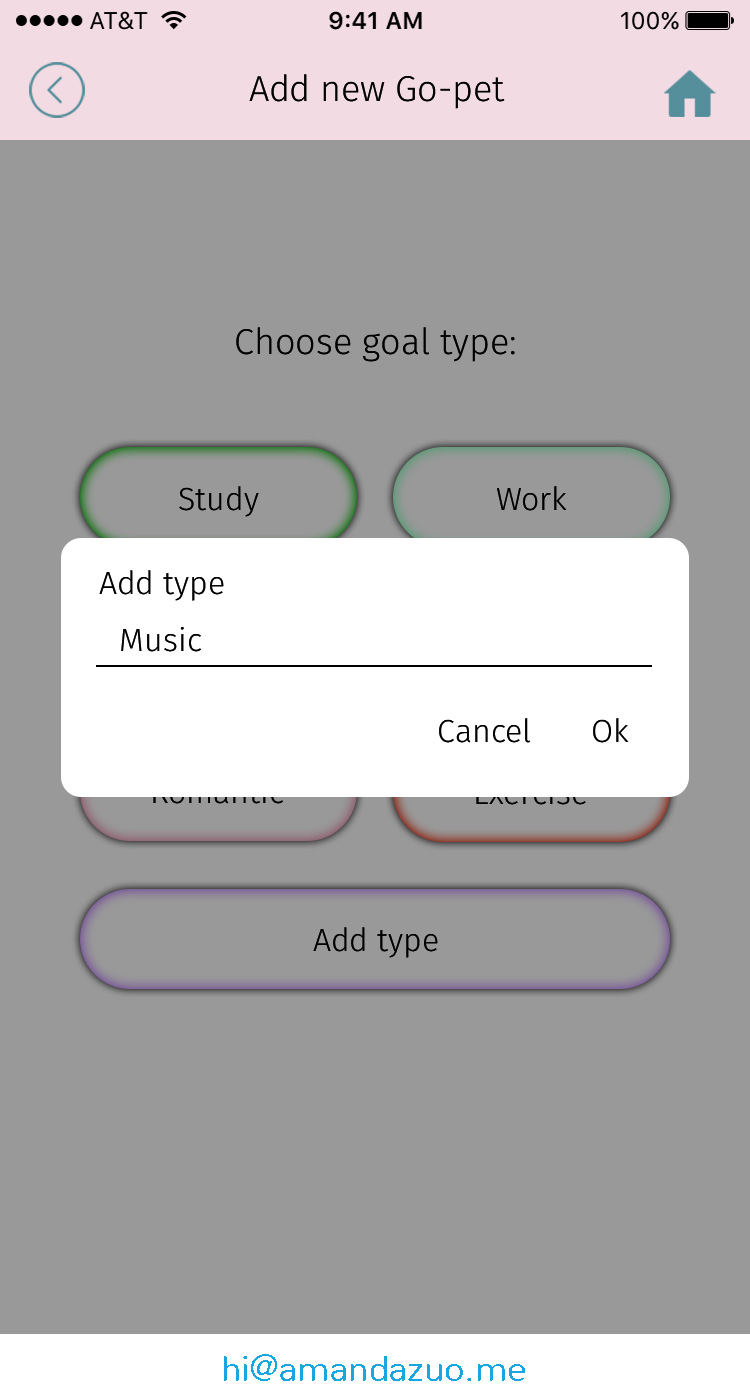
The user has a list of goal types to choose from when they add a new Go-pet, but they can manually add a new type of goal if it isn’t on the list.

Goals Screen
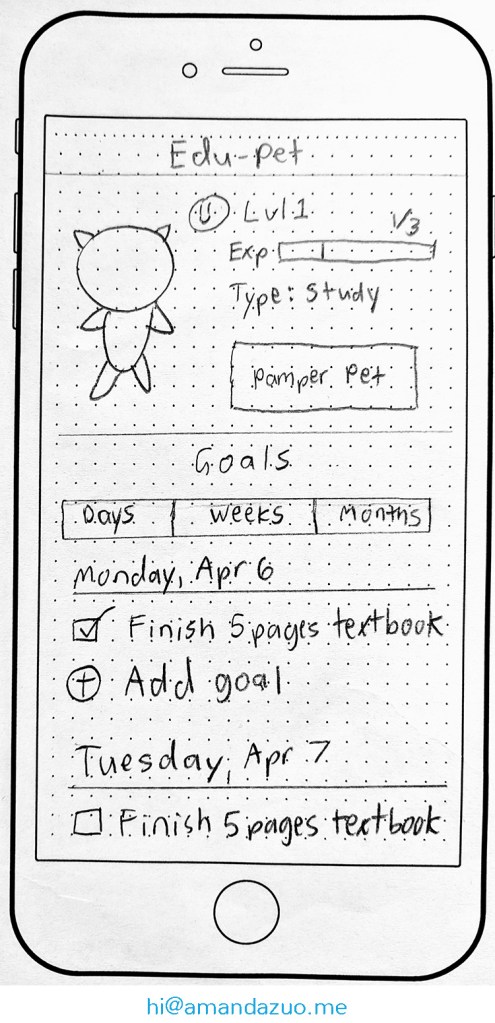
Here, the user can keep track of the goals they set, add new ones. Each time they record their progress, their Go-pet will gain “Experience.” When their Go-pet gains enough experience, it “levels up” as a reward.

Pamper a Pet
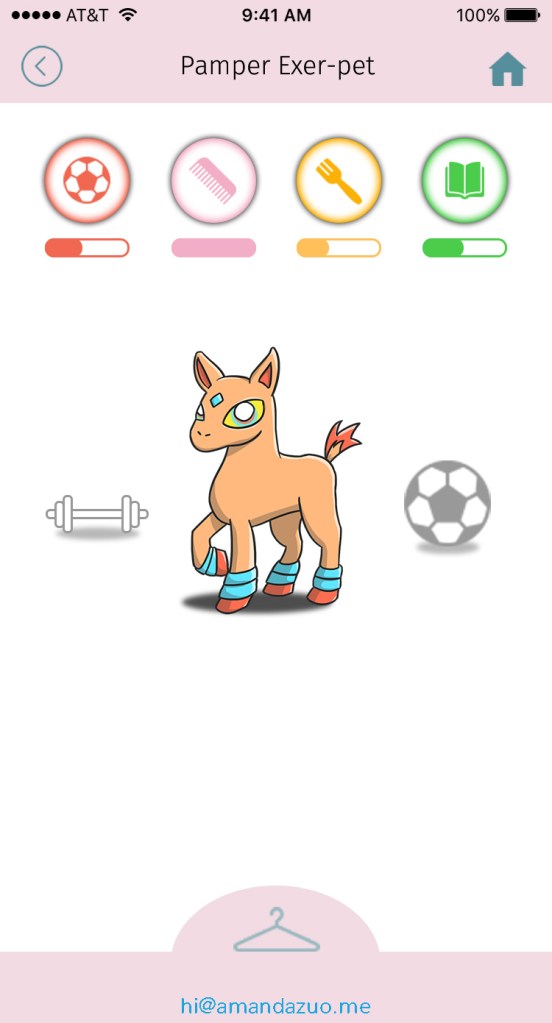
The user cares for their Go-pet with various activities such as playing, grooming, feeding, reading, and dressing up. The more the user cares for the Go-pet, the better its mood.
Mobile Game Prototype
Figma prototype (opens in new window)